Setup
Examine
Read article
In Edit under Orientation, you can change the visual orientation of your device.
This feature is connected to the 3D animation on the data graphs.
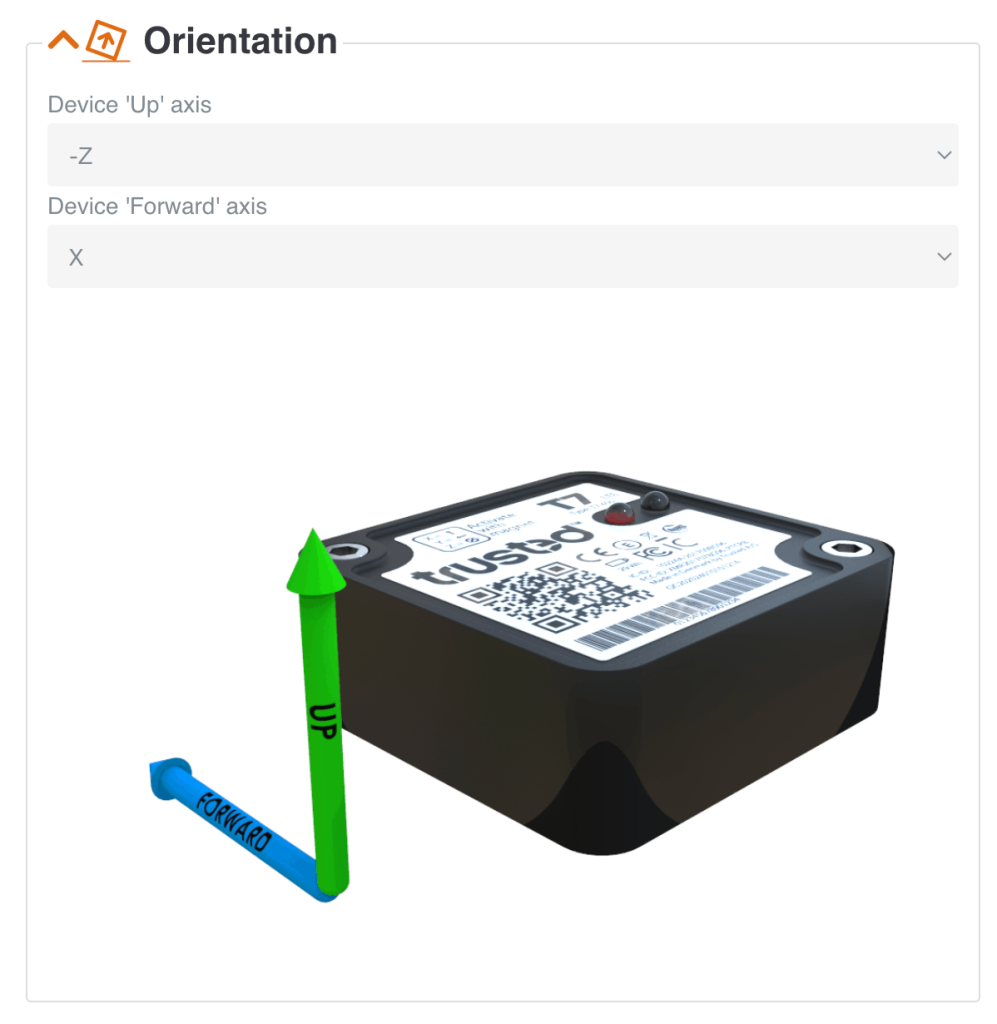
It helps you visualize the orientation of the device relative to how the device is mounted on your asset.
See an example in video below.


Other articles in this category that might help
Can't find what you're looking for? Our support team is here to help.
Contact Support