Analyze
Export my data
Read article
You can find the positions list by clicking the tile Positions on device level.
The positions list provides you with a historical list of logged positions where your device has been located.

On the list, you can see:

If the Trips feature is enabled on your device, you can also see:
To get data of Trip distance, speed and duration you need to enable the Trips feature. Please contact your supplier if you need this information.

You can use the filters to select a date interval and the type of data you want to see.
This way, you can choose to display specific triggers, network types or only to see either logs or transmissions.
Click reset to go back to default.

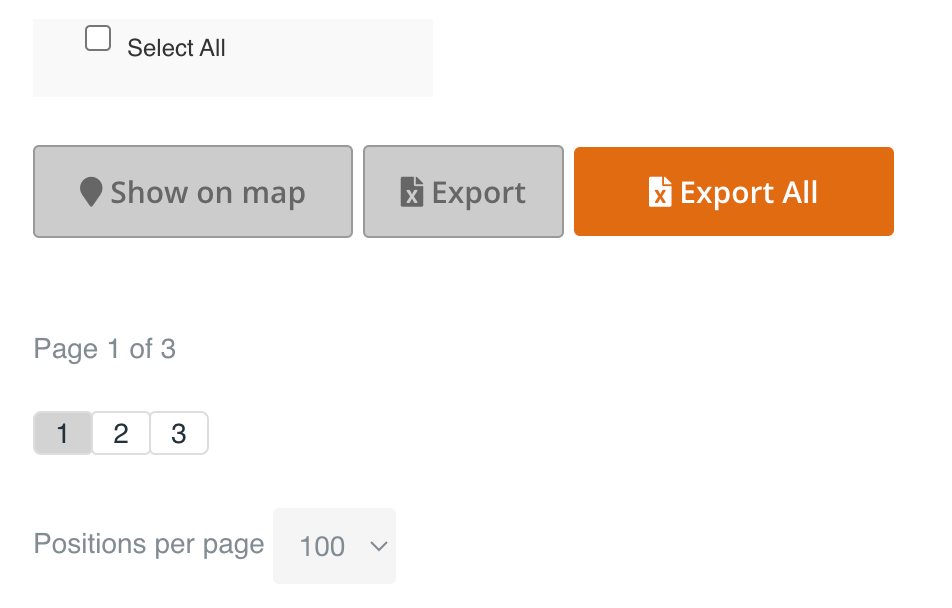
Scroll down to the bottom of the page to show the positions on the map.
Select the positions you want and click on Show on map.
You can export positions data from the list to a cvs. file by selecting the positions you want and click Export.
You can also export all data from the device by clicking the Export all button.
Other articles in this category that might help
Can't find what you're looking for? Our support team is here to help.
Contact Support