Setup
Examine
Read article
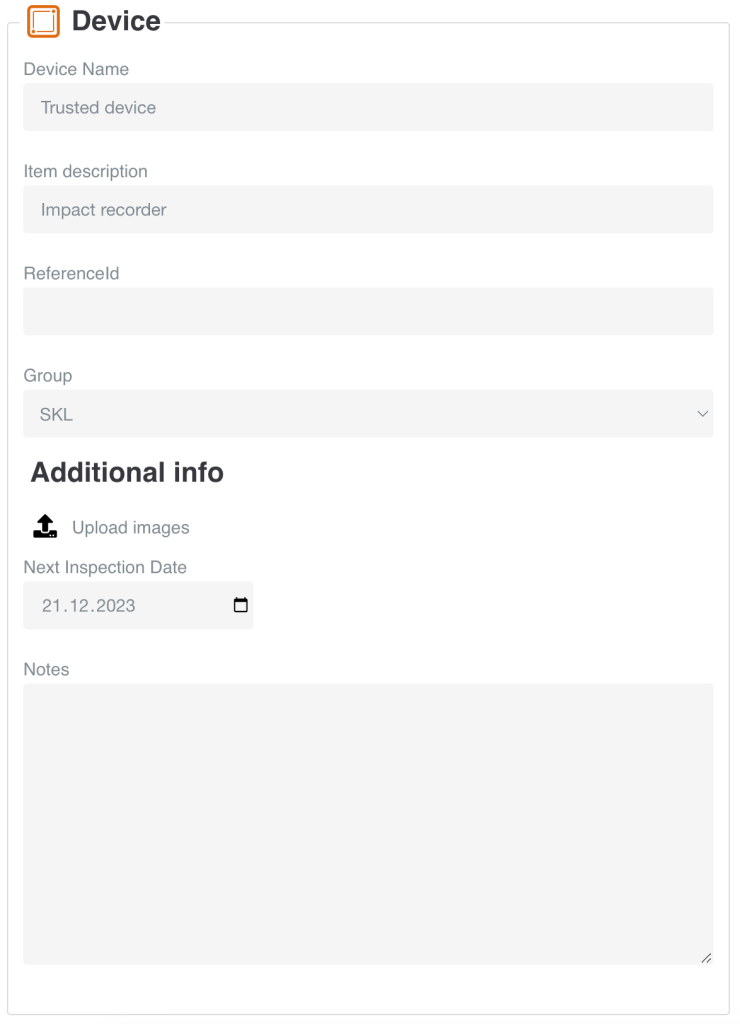
In this box you set up the basic information about your device.
Device name: You are able to change the Device Name to whatever you like. We name the device by default by its serial number.
Item description: In this column, you are able to fill in a short description of your item.
Reference ID: ReferenceId could be the serial number on the item that the tracking device is attached to.
Group: You can move the tracking device to another group by selecting it from the menu that appears when clicking the current group name
You can upload pictures by pressing this icon:
Sometimes it necessary to make inspections of the equipment.
Set an inspection date in the grey box.
This field is used to write additional notes regarding e.g. the tracking device.
Other articles in this category that might help
Can't find what you're looking for? Our support team is here to help.
Contact Support