Account
Two-factor authentication (2FA)
Read article
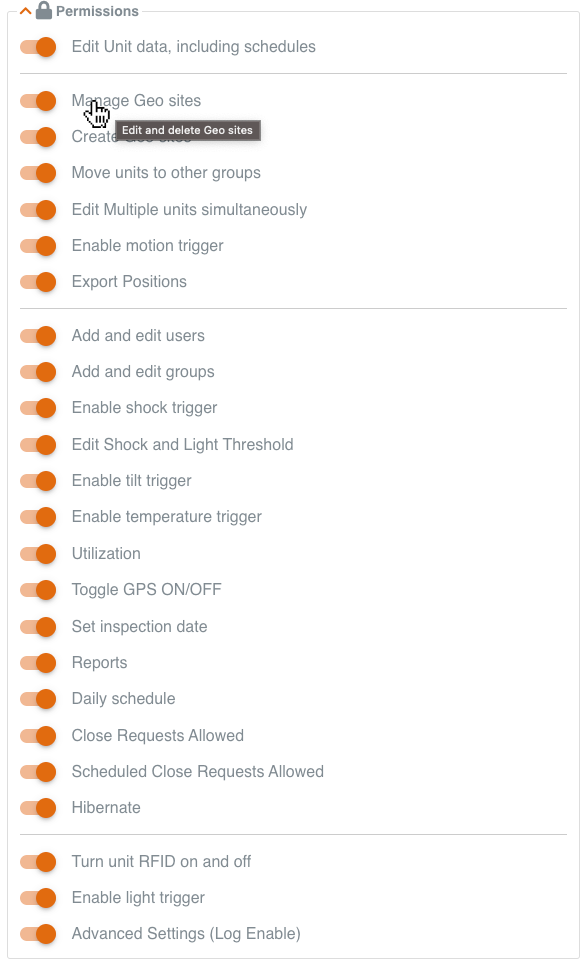
Your user account on the Trusted Data Portal comes with a number of standard permissions attached to it.
When you create other users to share your data with, they will automatically inherit a standard set of permissions.
If these standard permissions offer access to features you do not want these users to see or edit, remove these permissions
You will find permissions at the bottom when you edit or create users.
Hover over each permission to see which features it turns on/off.
Other articles in this category that might help
Can't find what you're looking for? Our support team is here to help.
Contact Support