Account
Two-factor authentication (2FA)
Read article
To access to Manage Account, click on your name in the top right corner.
Remember to press save after any changes.

You are able to change:

You are able to change your contact information

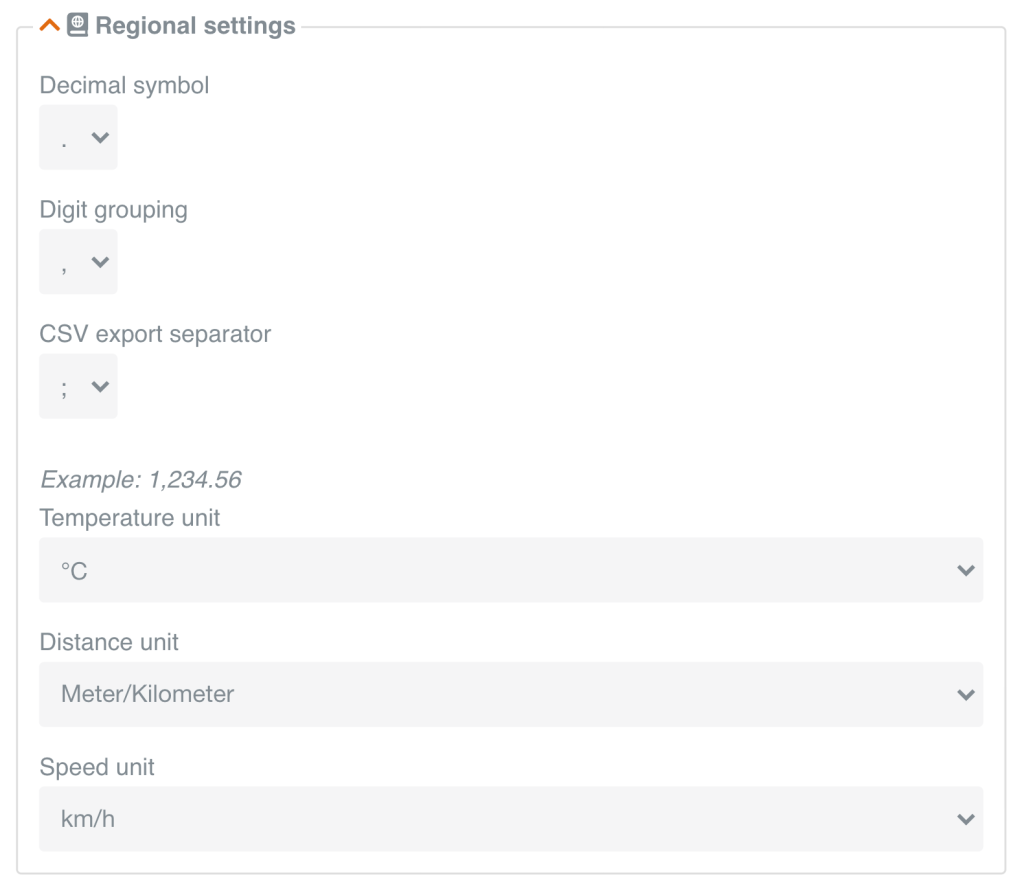
In this box you are able to change the decimals symbols to fit your regional settings and avoid any export difficulties.
Note: There are differences in how Excel reads the decimal symbols based on the region you are located.
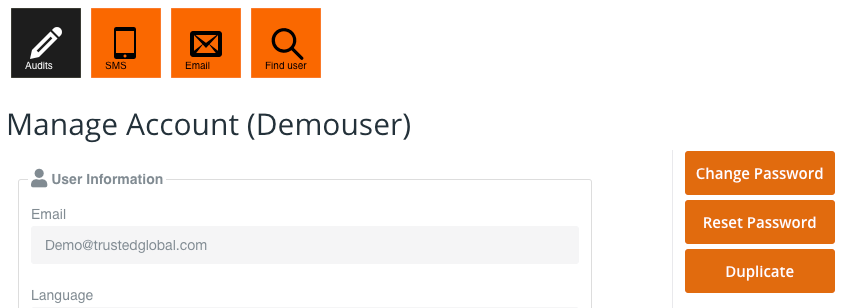
If you press either the SMS tile or the Email tile, you can see a historical list of all SMS or Emails sent to you.
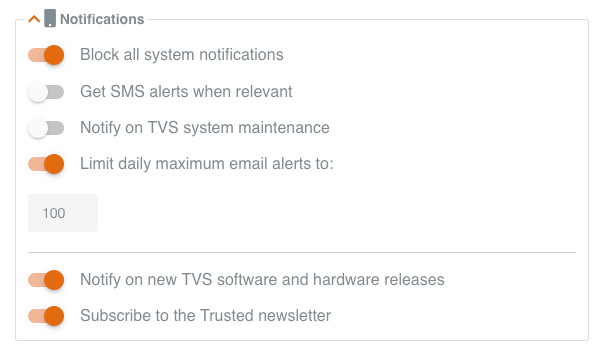
If you want SMS alerts, please do remember to add the mobile number to which you want the SMS to be sent. The number should be added in contact information.
After receiving the password from Trusted, you are able to change it.
Go to Manage Account and press Change password on the right.

Fill in current password, new password and confirm new password.
Click Change password to save.

If you have forgotten your password to TDP, you can easily reset it.
Click Reset Password to receive an e-mail with a new custom-generated password from the system.
After receiving a new custom-generated password, you are able to change it on TDP. Go to Manage Account and press Change password on the right.

Other articles in this category that might help
Can't find what you're looking for? Our support team is here to help.
Contact Support