Account
Two-factor authentication (2FA)
Read article
You are able to add a new user. Go to Users and click on New user on the black bar in the top.
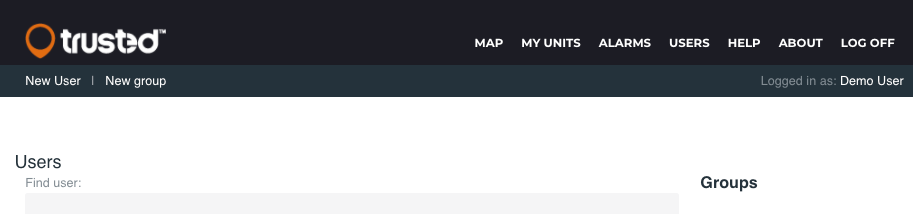
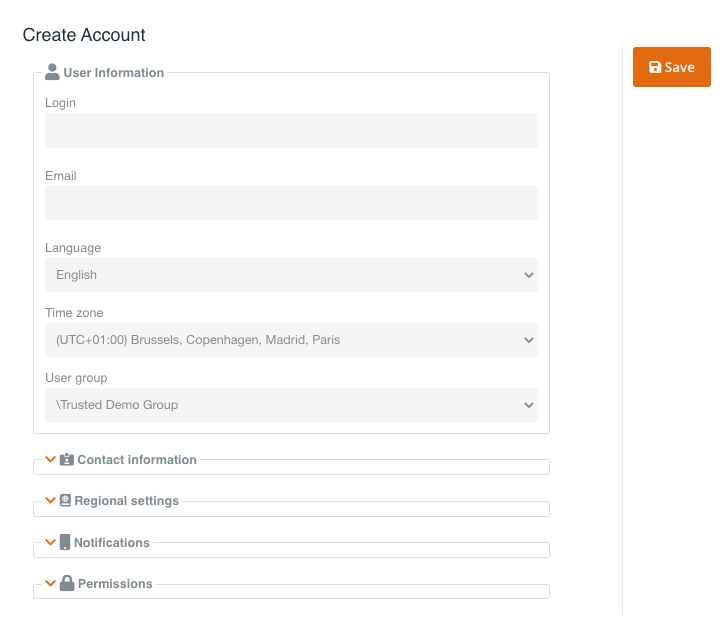
Fill in login, email, language, time zone and user group under User information.
Click Save to create the user.
Click on the other tabs to enter contact information, regional setting, notifications and permissions for the new user.
You are able to duplicate a user.
This is great feature if you want to create a user with similar permissions and settings as your own – or another user you are managing.
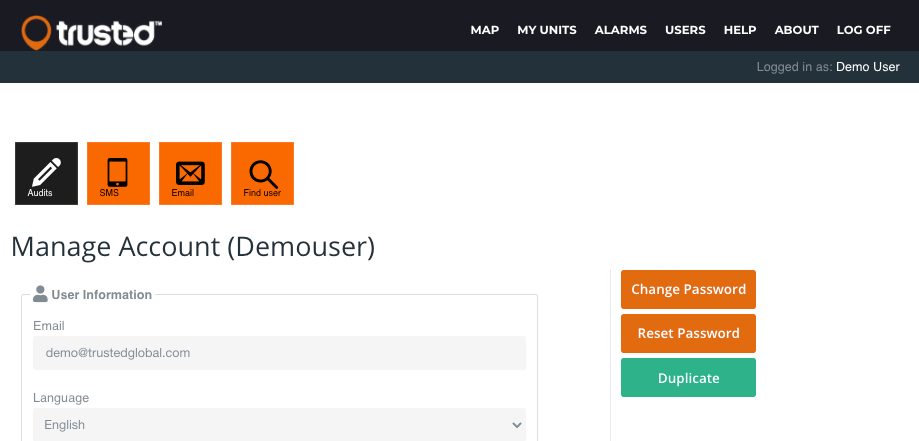
Click on your name in the top right corner, or click Users in the top menu to go to the user you want to duplicate.
Click on the Duplicate button.
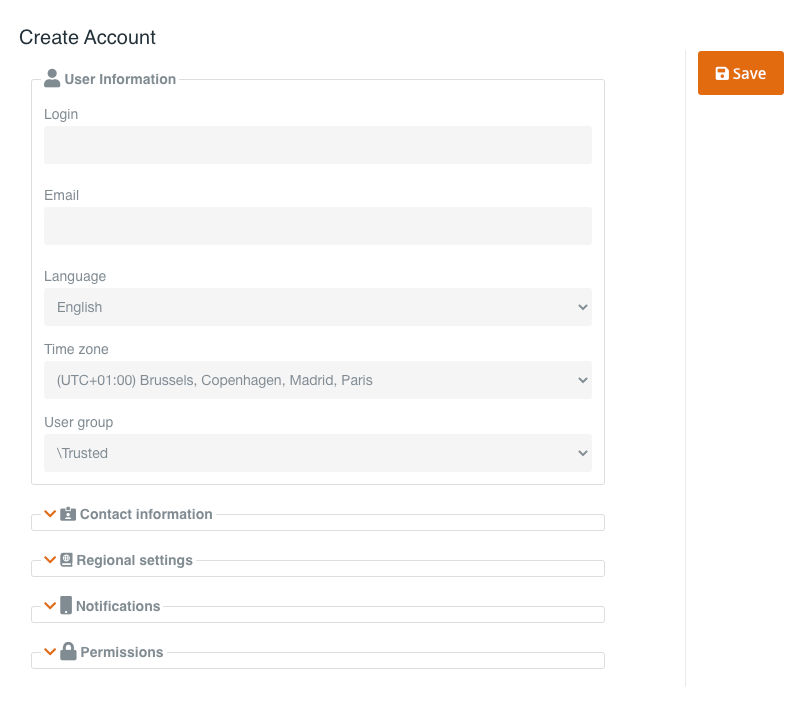
You are only able to duplicate a user with the same permissions as your account.
Fill in user information and click Save at the bottom of the page.
Other articles in this category that might help
Can't find what you're looking for? Our support team is here to help.
Contact Support